

What is Pixelcut?
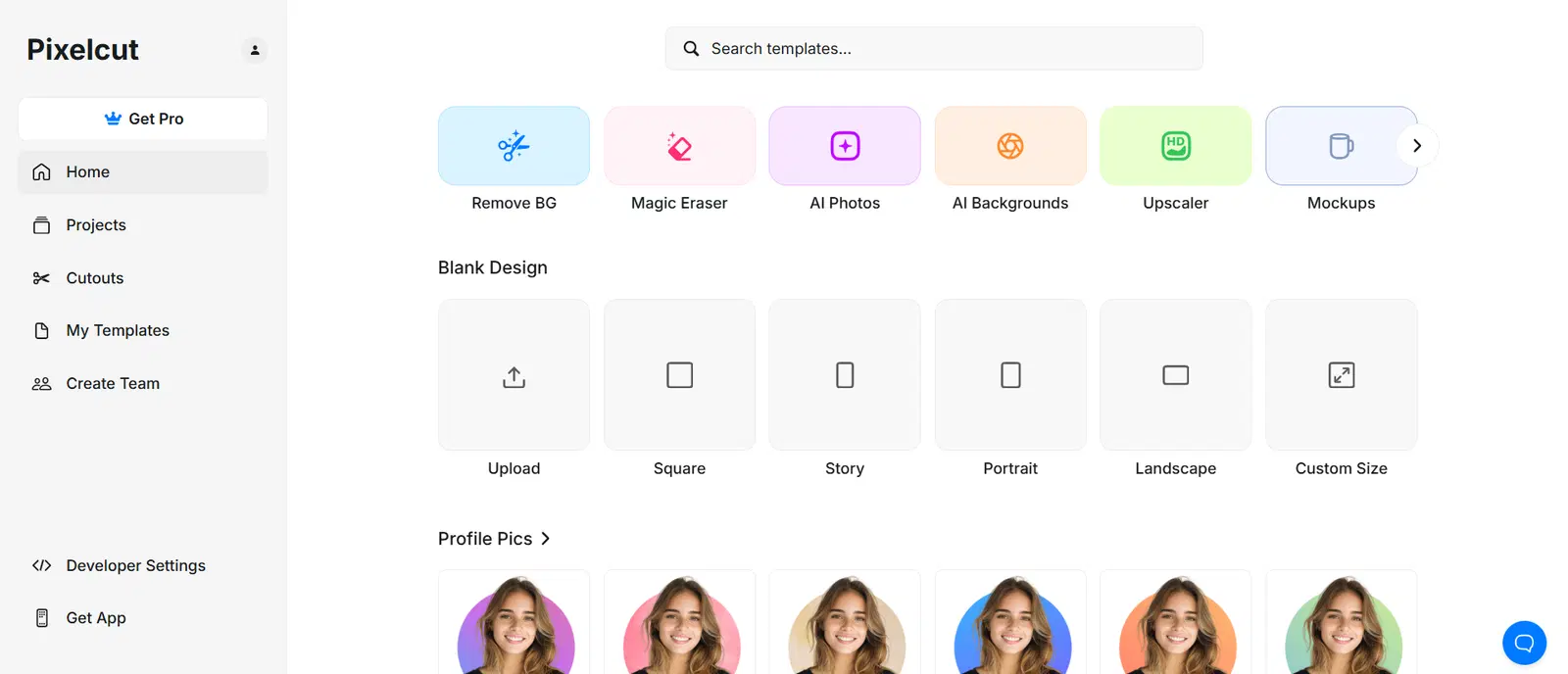
Pixelcut is an AI image-editing platform that includes Product Studio for placing a product photograph into generated studio or lifestyle scenes. Its broader toolkit includes background removal, upscaling, and batch workflows. For ecommerce sellers, the core value is faster production of usable listing and campaign variants from a trustworthy source image.
Generated realism is not the same as product accuracy. A scene can look convincing while changing packaging text, color, shape, accessories, or scale. A merchant must compare every export with the actual SKU before using it in a listing or ad.
Quick Verdict
Pixelcut is a practical candidate for a small team that needs repeated product cutouts and scene variations without building a full photo-production operation. It is a poor substitute for photographing important product details or for a review process that checks whether generated images represent what customers will receive.
Key Features
- Product Studio: Start with a product photo and generate new backgrounds or contexts.
- Background removal: Isolate the product for clean catalog layouts and compositing.
- Upscaling and editing: Prepare exports for different placements, subject to source quality.
- Batch workflow: Process repeated image tasks within plan limits.
Ecommerce Use Cases
A seller can turn one approved source photograph into several campaign scenes, create a consistent white-background catalog set, or adapt aspect ratios for web and social placements. The safest workflow preserves an untouched original and treats generated backgrounds as alternatives—not evidence of a product feature or included accessory.
How to Evaluate Pixelcut
Test ten difficult SKUs, including reflective, transparent, text-heavy, and variant-sensitive products. Inspect edges, labels, colors, dimensions, shadows, and props at full resolution. Then compare the exports at the small size shoppers actually see. Count accepted outputs, corrections, credit use, and editing time rather than only generated attempts.
Before publishing, verify rights to source and generated assets, channel-specific image rules, and a process for replacing an inaccurate image. Keep the source photograph and final export together so a reviewer can audit the change.
Best For
Solo sellers and small ecommerce content teams producing frequent catalog cutouts, lifestyle scenes, and campaign variants from real product references.
Advantages and Limitations
Advantages
- Combines common product-image tasks in one editor.
- Free and paid web tiers make a small proof of concept possible.
- Batch allowances support repeatable catalog work.
Considerations
- Generative edits can change product-defining details.
- Credit, export, and team limits vary by tier.
- Web, app-store, regional, and billing-cycle prices may differ.
Pricing
As checked in October 2026, Pixelcut’s web pricing page showed a free plan and Pro at $8 per month when billed yearly, with 600 monthly AI credits and 1,000 monthly batch exports. The page also showed Business at $24 per month when billed yearly, with larger allowances. Those prices are annual-billing equivalents on the web page, not a promise about mobile-app checkout or future rates. Confirm the current plan, credit rules, and commercial-use terms before purchase.
Our Take
Choose Pixelcut for a measured asset workflow, not for unlimited creative output. If a SKU’s text, color, or physical details repeatedly drift, keep that product on a conventional photo-and-compositing path.
Primary Official Sources
See Pixelcut Product Studio, the batch background-removal page, and web pricing.
Frequently Asked Questions
Can Pixelcut replace a real product photograph?
Use a real, accurate source image for the sellable SKU. A generated scene does not verify labels, dimensions, materials, or product function.
Is the $8 Pro price monthly billing?
No. The currently displayed $8 figure is per month when billed yearly on the web pricing page; check the live checkout for your region and billing cycle.
Editorial method: This profile focuses on accepted, accurate ecommerce assets rather than image volume or vendor quality claims. Official vendor pages describe documented capabilities and terms; vendor performance claims are not independent evidence. ATFE has not conducted a controlled hands-on test of this tool. Last reviewed: October 2026. Recheck pricing, integrations, availability, and contract terms before purchase.