

What is Photoroom?
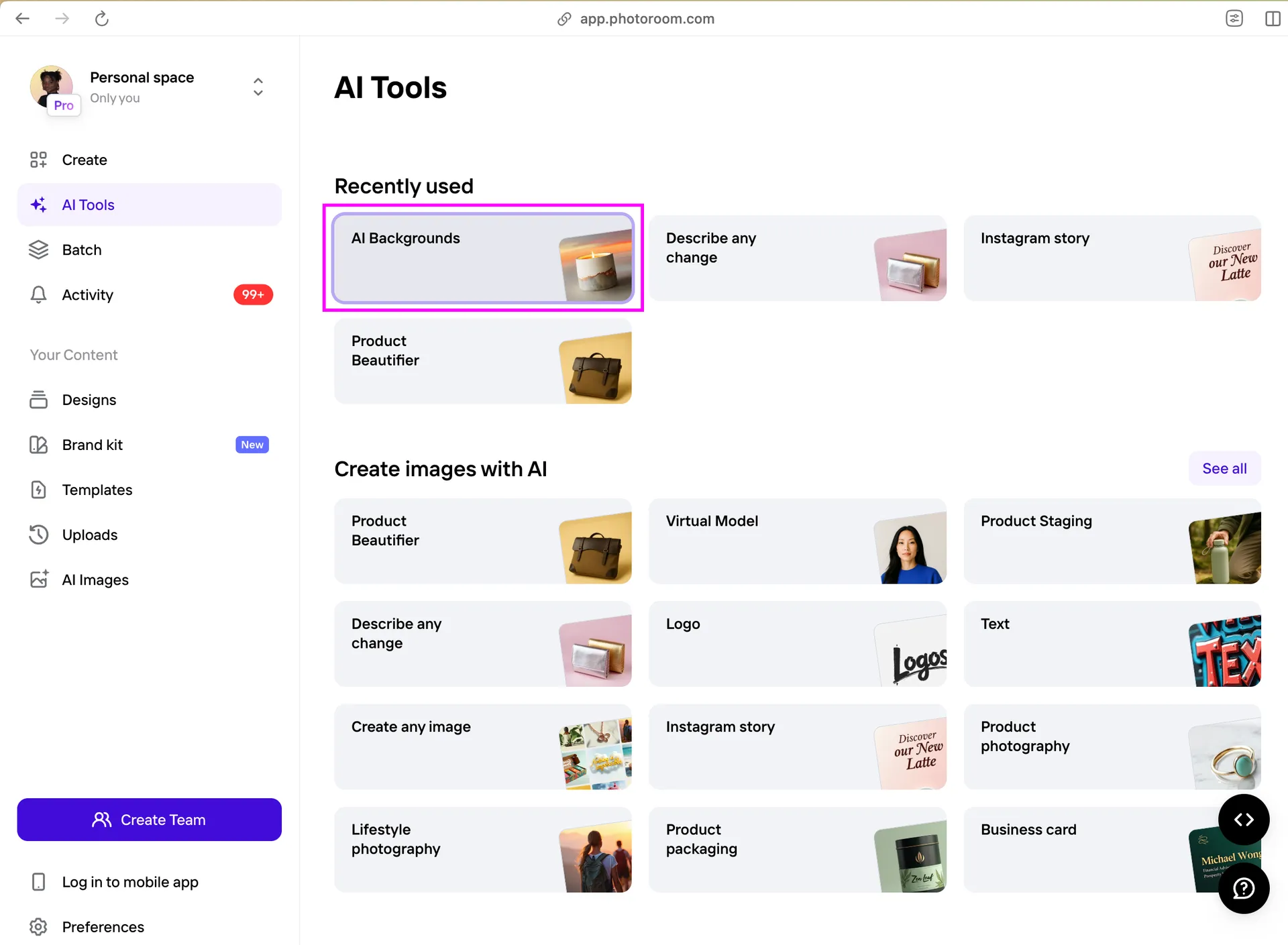
Photoroom is an AI photo-editing platform built around product imagery. It provides background removal, object cleanup, AI backgrounds, shadows, resizing, batch editing, product staging, virtual models, and developer APIs for commerce workflows.
Quick Verdict
Photoroom is one of the broadest product-image tools for merchants, marketplaces, resale, and catalog teams. It is useful from one-off mobile edits to automated image pipelines. Paid pricing and feature availability vary by region and platform, so teams should verify the current plan before standardizing a workflow.
Key Features
- Background remover: Create clean product cutouts quickly.
- AI backgrounds and shadows: Stage products in generated contexts.
- Retouch and resize: Remove distractions and adapt channel formats.
- Batch workflows: Process larger catalogs with consistent settings.
- API and integrations: Automate product-image processing at scale.
Ecommerce Use Cases
- Prepare marketplace and product-listing images.
- Create social, ad, email, and seasonal campaign variants.
- Standardize backgrounds and dimensions across a catalog.
Best For
Marketplace sellers, resale teams, retailers, agencies, and ecommerce businesses needing frequent product-image production.
Advantages and Limitations
Advantages
- Free plan and accessible mobile workflow.
- Broad editing, batch, and automation toolkit.
- Suitable for both individuals and larger catalog pipelines.
Considerations
- Paid pricing and features vary by region and app store.
- AI backgrounds may introduce inaccurate details.
- Large-scale API use requires separate cost and technical evaluation.
Pricing
Photoroom offers a Free plan with core editing capabilities. Paid plan prices vary by region, billing platform, team size, and included AI usage. API pricing is separate. Check the official pricing page for a local quote.
Our Take
Photoroom is a practical default for everyday product-image work. Its biggest advantage is workflow breadth: a merchant can begin with mobile cutouts and later move into batch or API production without changing the underlying tool family.
Photoroom Alternatives
- Pebblely for focused AI product-background generation.
- Flair for more art-directed branded scenes and generated models.
Frequently Asked Questions
Does Photoroom have a free plan?
Yes. A Free plan supports core editing with limits.
Can it process images in bulk?
Batch capabilities are available on eligible plans.
Does it have an API?
Yes. Developers can evaluate separate image-processing API products.
Last reviewed: August 2026. Features and pricing may change. Visit the official website for current details.