
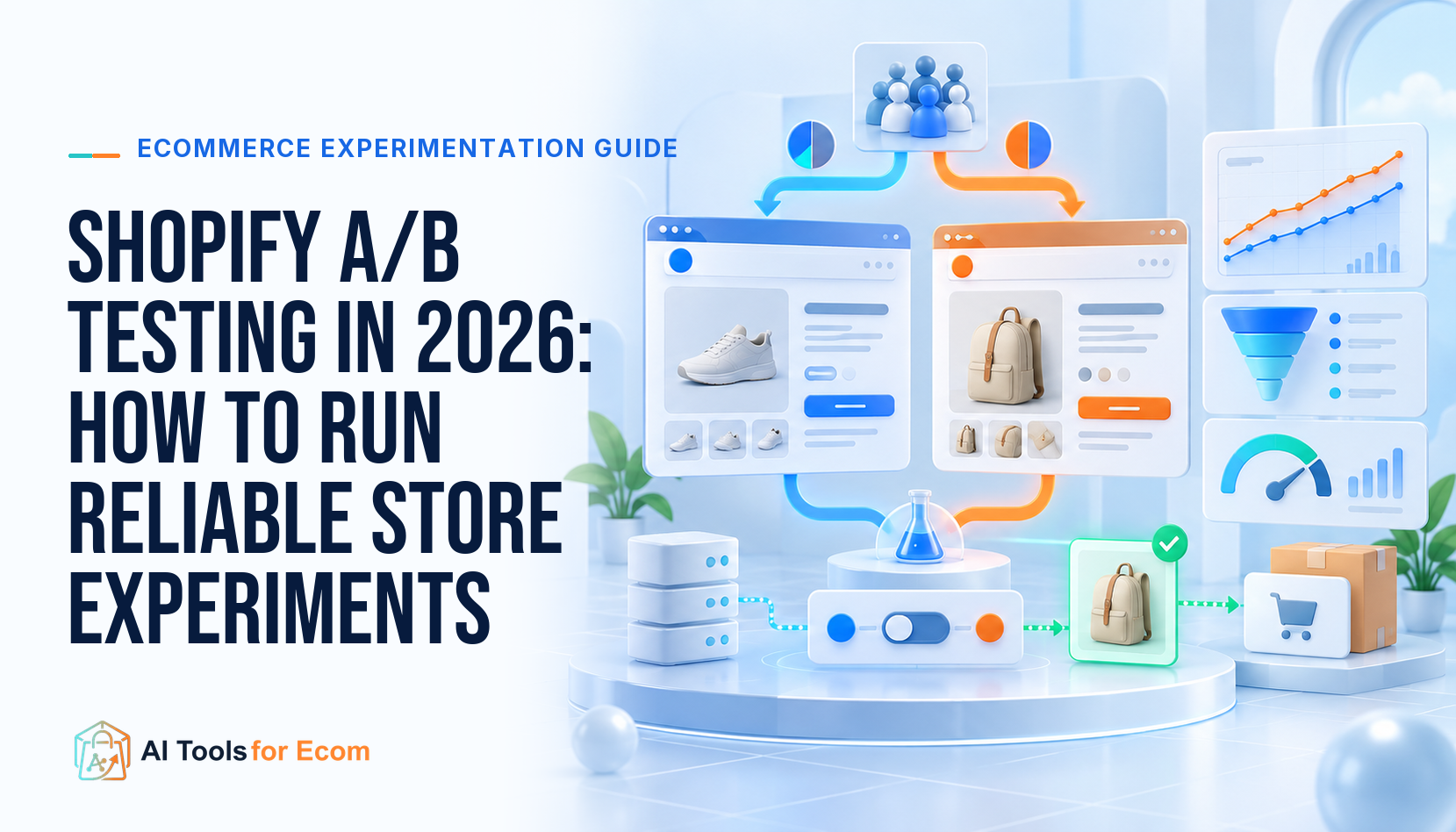
Reliable Shopify A/B testing starts with one decision, one primary business metric, a stable visitor assignment, and a written stopping rule. Use Shopify Rollouts for a native theme-testing route, Intelligems when prices, shipping, offers, profit, and full-funnel commerce tests matter, Replo for landing-page split tests, or Convert Experiences for a broader experimentation program.
Direct answer: do not launch a test because a tool can create a variant. First prove the measurement with an A/A test, estimate whether the store has enough traffic and conversions, freeze the hypothesis and metric definitions, QA the full purchase journey, and decide in advance when the experiment will stop.
The Reliable Shopify Experiment Workflow
| Stage | Required output | Stop condition |
|---|---|---|
| Decision brief | Problem, hypothesis, audience, change, owner | No clear decision if the result wins |
| Instrumentation | Exposure, session, order, revenue, cost, refund checks | A/A imbalance or broken attribution |
| Build and QA | Mobile, desktop, browser, cart, checkout, discount tests | Variant changes more than intended |
| Run | Frozen variants and daily health checks | Data failure, severe harm, or preset end rule |
| Analyze | Primary metric, guardrails, uncertainty, segments | No fishing for a convenient winner |
| Roll out | Implementation, monitoring, and rollback plan | Post-launch metric leaves the accepted range |
Step 1: Write a Decision, Not a Design Preference
A useful brief has seven lines: observed problem, evidence, proposed mechanism, precise change, eligible audience, primary metric, and decision after a positive, negative, or inconclusive result. “Test a new hero” is not enough. “For first-time mobile visitors from paid social, replacing feature-led copy with a use-case promise will increase contribution profit per eligible visitor without increasing returns” is testable.
Choose one primary metric. Conversion rate can rise while profit falls because of discounting, shipping, product mix, or returns. For commerce decisions, revenue per visitor, contribution profit per visitor, orders, average order value, and refund or cancellation rate often belong in the scorecard together.
Step 2: Choose the Smallest Tool That Fits the Test
Shopify Rollouts is Shopify’s native route for splitting traffic between theme versions and measuring outcomes. It is a sensible baseline for a theme-level change and reduces the need to add another vendor merely to test a storefront version.
Intelligems supports Shopify experiments across content, prices, shipping, offers, checkout, and post-purchase experiences. Official documentation notes that price tests can require price-element tagging or custom work for heavily customized themes. Use it when the economic variable—not only page layout—is central.
Replo offers split-test URLs and built-in analytics for Replo pages on paid plans. Its documentation describes URL routing without page flicker, while product-template testing can require alternate templates or URL parameters. It is most natural when landing pages are already built in Replo.
Convert Experiences supports Shopify integration, client- and server-side experimentation, targeting, collision prevention, and different statistical views. It is a stronger fit for an experienced experimentation team than a store running its first headline test.
Step 3: Run an A/A Test Before Trusting Lift
An A/A test sends comparable visitors to identical experiences. Shopify’s own guidance recommends it for measuring natural variability and checking the testing platform. The expected result is not always an exact tie, but persistent or large differences can reveal assignment, tracking, caching, currency, consent, device, or checkout attribution problems.
Compare visitor counts, sessions, add-to-cart events, checkout starts, orders, revenue, discounts, taxes, shipping, refunds, and device or channel mix. Confirm that one visitor stays in one variant across visits and checkout. Fix the data system before spending traffic on a real hypothesis.
Step 4: Estimate Whether the Store Can Learn
Low-volume stores often cannot distinguish a modest lift from ordinary noise in a reasonable time. Before launch, record baseline eligible visitors, conversion rate, desired minimum detectable effect, allocation, and planned duration. Use a sample-size or power calculation appropriate to the metric and analysis method.
Do not shorten the test because a dashboard briefly shows a winner. Day-of-week mix, campaign changes, stockouts, promotions, payday timing, and random variation can reverse an early lead. If the required sample is unrealistic, choose a larger change, a higher-frequency upstream metric with a clear decision link, or use qualitative and usability research instead.
Step 5: QA the Whole Purchase Journey
Inspect both variants on mobile and desktop across key browsers. Test entry from ads and email, product selection, variants, bundles, subscriptions, discount codes, cart drawers, currency and market, shipping, tax, checkout, payment, order confirmation, analytics, and pixels. Check performance and visible flicker.
For price or shipping tests, verify that the assigned value remains consistent on collection, product, cart, checkout, confirmation, customer communication, refunds, and support views. A technically inconsistent price test is a customer-trust and compliance problem, not only a statistics problem.
Step 6: Freeze the Test and Protect It From Collisions
Record the launch time, code or theme versions, audiences, traffic allocation, metrics, exclusions, and stopping rule. Avoid changing campaigns, merchandising, navigation, promotions, inventory, or another experiment on the same audience unless the interaction is understood. Use mutual exclusion when overlapping tests could contaminate the decision.
Monitor data health daily, not the winner. Watch assignment balance, missing events, conversion pipeline breaks, latency, errors, and severe commercial harm. Only an agreed safety threshold or measurement failure should trigger an early operational stop.
Step 7: Read the Result Without Hunting for a Win
Report the prespecified primary metric, uncertainty interval, guardrails, sample, duration, exclusions, and known operational events. Segment results only when the segment was planned or clearly labeled exploratory. A mobile “winner” discovered after slicing twenty audiences is a new hypothesis, not automatically a rollout decision.
An inconclusive result can be useful. It may rule out a large effect, reveal insufficient traffic, or show that the change is not worth engineering. Preserve the brief, screenshots, dates, code, and decision so the team does not repeat the same test six months later.
The Experiment Decision Card
Use one reusable card for every test: ID, owner, decision, evidence, hypothesis, audience, control, variant, primary metric, guardrails, baseline, minimum detectable effect, sample requirement, launch date, stopping rule, QA link, result, uncertainty, segment notes, final decision, rollout owner, rollback trigger, and follow-up.
This artifact is more valuable than a gallery of “winning tests.” It makes assumptions visible, limits hindsight editing, and lets another person audit how the team moved from observation to store change.
Common Shopify A/B Testing Mistakes
- Testing several unrelated changes and attributing the result to one element.
- Using conversion rate while ignoring margin, discount, shipping, and returns.
- Stopping when the dashboard first becomes green.
- Running tests during stockouts or unrecorded campaign changes.
- Letting visitors switch variants between sessions or checkout.
- Launching overlapping experiments without exclusion.
- Calling a post-hoc segment a confirmed winner.
- Hard-coding a winner without post-rollout monitoring.
Frequently Asked Questions
Does Shopify have native A/B testing?
Shopify now describes Rollouts as a native way to split traffic between theme versions and measure conversion outcomes. Confirm availability and current eligibility in your admin.
What should a Shopify store test first?
Choose a high-impact decision supported by evidence, such as a value proposition, offer, price, shipping threshold, or major product-page structure—not a random button color.
How long should an A/B test run?
Until the prespecified sample and duration rule is met, unless data integrity or a safety threshold requires stopping. There is no universal number of days.
Can a low-traffic store run A/B tests?
Yes, but small effects may be impractical to measure. Larger changes, qualitative research, sequential rollout, and usability testing can be more useful.
Primary Official Sources
The method and native-tool facts were checked against Shopify’s A/B testing guide, A/A testing guide, and Test & launch page. Product scope was checked against official Intelligems documentation, Replo A/B testing documentation, and Convert A/B testing features.
Editorial method: This how-to guide uses official platform and vendor documentation and emphasizes reproducible experiment controls. We did not run a controlled comparison of every testing platform. Last reviewed: September 2026. Recheck availability, pricing, integration behavior, statistical settings, and Shopify eligibility before implementation.